
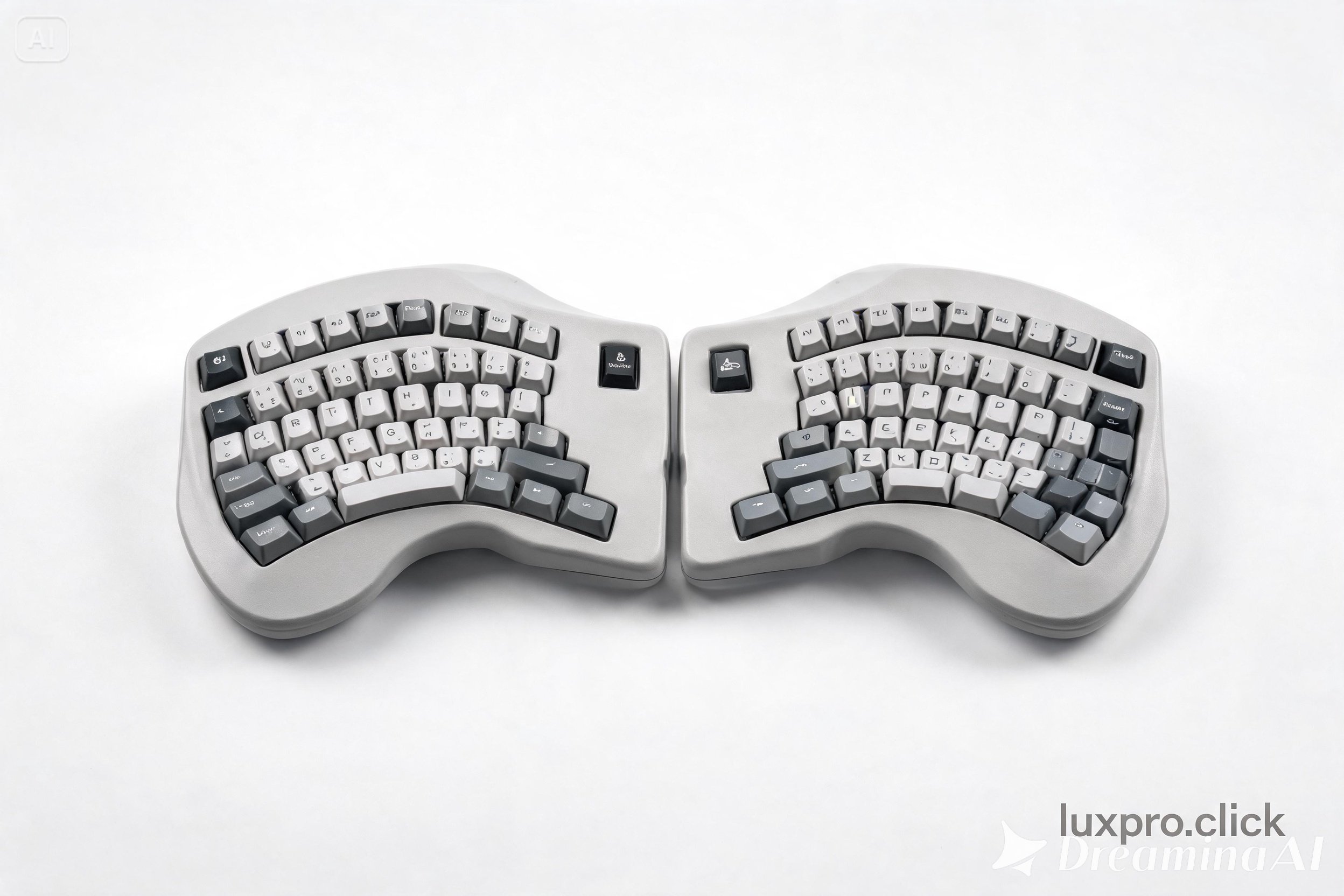
Kinesis Advantage360 Professional Ergonomic Keyboard
Original price was: 379 $.299 $Current price is: 299 $.
The Kinesis Advantage360 Professional is a split ergonomic mechanical keyboard with a contoured bowl design, Cherry MX Brown switches, thumb clusters, and SmartSet programming. Engineered to eliminate typing injuries for heavy users.
The Kinesis Advantage360 Professional is one of the most radically ergonomic keyboards ever designed for mainstream use. While most ergonomic keyboards make minor concessions to hand health, the Advantage360 commits fully to biomechanical optimization, resulting in a design unlike anything else on the market — and performance benefits to match.
The defining feature is the contoured bowl (concave) key wells that curve to match the natural arc of your fingers. Rather than forcing your fingers to reach up and across to different rows, the bowl design brings the keys to meet your fingers at their natural resting position. The result is dramatically reduced finger extension during typing, which is a leading cause of repetitive strain injury in traditional keyboard users.
The split design allows you to position each half of the keyboard at whatever width and angle suits your shoulder width and comfort preferences, eliminating the ulnar deviation (inward wrist angle) that contributes to carpal tunnel syndrome. Large thumb clusters move frequently-used keys like Enter, Space, Backspace, and Delete to the strongest digit on each hand — your thumbs — rather than assigning all these heavy-use keys to your weakest fingers.
Powered by Cherry MX Brown switches (other switch options available), the typing experience on the Advantage360 is excellent once you’ve completed the learning curve. SmartSet Engine programming allows complete key remapping, macro creation, and layer customization directly on the keyboard. The adjustment period is real — typically two to four weeks — but users consistently report dramatically reduced hand fatigue afterward.
| Cherry MX Brown | 1 |
|---|
Be the first to review “Kinesis Advantage360 Professional Ergonomic Keyboard”
Related products
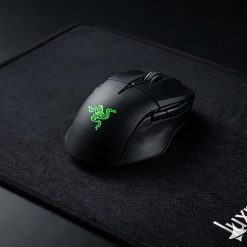
The Razer DeathAdder V3 HyperSpeed is a lightweight wireless gaming mouse featuring the Focus X 18K DPI sensor, ergonomic right-hand design, and 300-hour battery life. Built for serious gamers who refuse to compromise on performance or endurance.
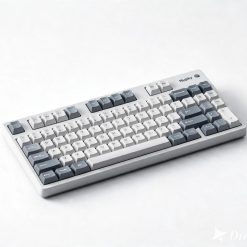
The Nuphy Air75 V2 is a low-profile 75% wireless keyboard with hot-swappable Gateron switches, RGB lighting, and multi-device Bluetooth. Ideal for users who prefer a slim laptop-like typing feel with mechanical switch feedback.
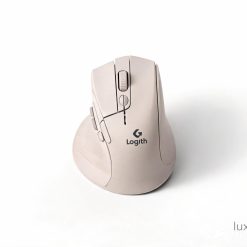
The Logitech Lift Vertical Ergonomic Mouse reduces forearm muscle strain by 25% by positioning the hand at a natural 57° angle. Features silent clicks, MagSpeed scroll wheel, and Bluetooth connectivity. Great for wrist pain sufferers.
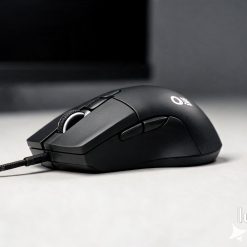
Gaming Mouse
The Zowie EC2-C is a professional-grade wired ergonomic gaming mouse designed for right-hand claw and palm grip users. Features a 3360 sensor, plug-and-play setup, and a no-frills design trusted by esports professionals.
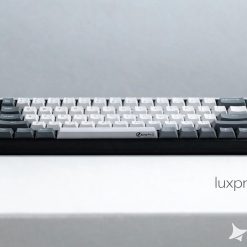
The Anne Pro 2 is a popular 60% wireless mechanical keyboard with Bluetooth 4.0, RGB lighting, and a compact layout. Perfect for minimalists and users with limited desk space.
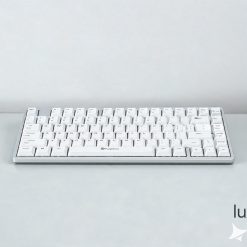
The Keychron K2 is a compact 75% mechanical keyboard featuring hot-swappable switches, RGB backlight, and both wired and wireless connectivity. A top choice for mechanical keyboard enthusiasts and daily typists.
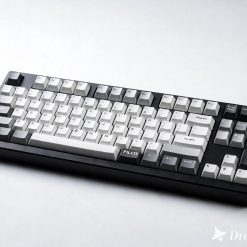
The Filco Majestouch-2 Tenkeyless is a premium wired mechanical keyboard built in Japan with Cherry MX switches, N-key rollover, and a solid steel backplate. A gold standard in build quality for enthusiasts and professionals.
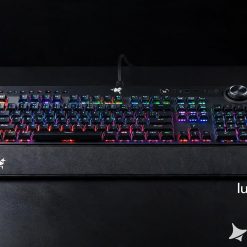
Gaming Keyboards
The Corsair K95 RGB Platinum XT is a flagship full-size gaming keyboard with Cherry MX switches, per-key RGB lighting, and dedicated macro keys. Built for competitive gaming and content creation.
Reviews
There are no reviews yet.